
Quick summary: The best Korea travel apps for first-time visitors are not a long app-store list. Install a small stack before landing: Naver Map for local navigation, Papago for Korean text and speech support, k.ride or Kakao T for taxis, Emergency Ready for official safety information, and one transport or booking app only if your itinerary needs it. Open each app once before flying, set language, test login, and save your first hotel.
Install first: Naver Map, Papago, one taxi app, and Emergency Ready.
Add if needed: KORAIL or route apps for intercity trains, and payment/card apps only when you plan to use that product.
Set up before departure: hotel address, Korean keyboard, location permissions, notification settings, and a screenshot of your airport-to-hotel route.
Short answer: which Korea travel apps should you install?
For most first-time visitors, install five app categories before landing in Korea: a Korea-ready map, a translator, a taxi or ride-hailing app, an emergency information app, and an optional transport or booking app for your specific itinerary. You do not need every Korea app recommended online. Too many apps can create more first-day friction because each one may require account setup, permissions, phone verification, or payment testing.
The practical stack is Naver Map for route planning, Papago for Korean-language help, k.ride or Kakao T for taxis, Emergency Ready for safety information, and KORAIL or another transport app only when your trip includes trains or specific bookings. This app hub connects to the broader Korea arrival guide, Korea transportation guide, and Seoul first-time visitor guide.
The Korea app stack by travel task
Travel task | Recommended app type | Why it matters | Set up before flying |
|---|---|---|---|
Navigation | Naver Map | Local search, subway exits, bus stops, walking routes, and saved places work better when the app understands Korean location data. | Save hotel, nearest station, airport route, and one nearby convenience store. |
Translation | Papago | Korean menus, signs, taxi messages, notices, and short phrases are easier when text and image translation are ready. | Allow camera access and save key phrases for hotel, taxi, food, and allergies. |
Taxi | k.ride or Kakao T | Pickup points, destination search, vehicle options, and fare estimates reduce late-night or luggage stress. | Test registration, language, destination search, and payment/fallback options. |
Safety | Emergency Ready | Official safety and emergency information is useful during weather, disaster, health, or local alert situations. | Set language and region, then decide whether to enable notifications. |
Intercity travel | KORAIL or booking app | KTX and train trips are easier when you understand booking and ticket retrieval before travel day. | Install only if your itinerary includes train travel. |

Open your essential apps, test login, and save your first hotel before you need them in a hurry.
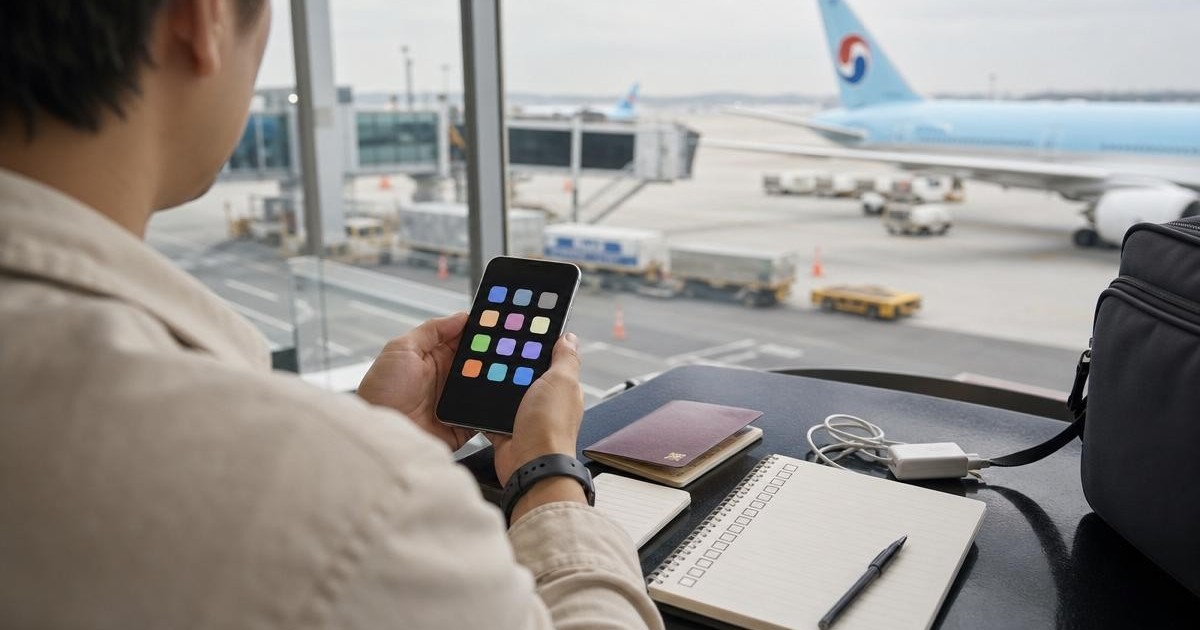
AI-assisted photo-based composite. Illustrative app-preparation vignette; no official app screens shown. Airport source photo from 2013. Background: Incheon International Airport Interior.jpg by Kmonsoor / Wikimedia Commons, CC BY-SA 3.0. Cropped/reframed and edited with AI-generated character overlays; small background details may differ. Derivative illustration under CC BY-SA 3.0.
Use Naver Map as your Korea navigation base
Naver Map is the main app most visitors should prepare for Korea routes. It is especially useful for subway exits, walking approaches, bus stops, local place search, and saving destinations. If a hotel confirmation includes a Korean address, save it before flying. If search fails in English, try the Korean address, phone number, or Korean place name.
Do not wait until the airport to learn the map app. Search from Incheon Airport Terminal 1 or Terminal 2 to your first hotel. Save a backup route and nearest station exit. For a deeper setup workflow, use How to use Naver Map in Korea and Naver Map vs KakaoMap vs Google Maps.
Use Papago for Korean text, menus, and taxi messages
Papago is useful because Korea travel involves many short Korean text moments: menus, station notices, elevator signs, taxi pickup messages, food questions, and booking instructions. It is not only a conversation app. It is a reading tool for practical travel.
Set camera permission before travel and save phrases you may need quickly. For allergies, medical issues, legal issues, or high-risk communication, translation apps are not enough by themselves. Ask hotel staff, official staff, or a human translator when the consequence of a mistake is serious.
Choose one taxi app before you need it
k.ride is designed for international users, while Kakao T is widely used in Korea. Either can help with taxi pickup and destination communication, but the important step is testing one before you are tired, wet, or carrying luggage. Check whether your phone number, language, and payment options work.
Keep a fallback payment plan. App payment can change, foreign-card behavior can vary, and some situations may still require paying the driver directly. For detailed taxi setup, read Kakao T and k.ride for foreign visitors.
Emergency Ready belongs on the phone even if you rarely open it
Emergency Ready is not a daily planning app, but it belongs in the first-time visitor stack because emergencies are exactly when searching from scratch is slow. It can provide multilingual safety guidance, alerts, shelter information, emergency medical center information, police and fire station information, and embassy information depending on the service context.
Set the language and region before your trip. During serious weather, disaster, health, or public safety situations, prioritize official sources, hotel staff, emergency numbers, and embassy guidance over social media.
Add payment and transport apps only when they match your plan
Do not install payment and booking apps just because they appear on every recommendation list. If you plan to use WOWPASS, install its app and understand card issuance, top-up, and balance functions. If you plan to use KTX, learn KORAIL booking before travel day. If your trip stays in Seoul and uses ordinary subway routes, Naver Map plus a transport card may be enough.
For money and payment decisions, start with Korea money and payment guide, then use WOWPASS vs Tmoney vs credit card if you are comparing products.
What to set up before your flight
Download on home Wi-Fi. Avoid large downloads on airport Wi-Fi or roaming.
Open every app once. Clear the first-launch screens before arrival day.
Set language and permissions. Location, camera, notifications, and language settings are easier at home.
Save your first hotel. Keep English name, Korean name, phone number, Korean address, and nearest station exit.
Add a Korean keyboard. Copying and editing Hangul names is easier when your phone supports Korean input.
Screenshot your first route. Save the airport-to-hotel route, booking confirmation, and hotel address offline.
Choose the connection too: maps and taxi apps need working data after you leave airport Wi-Fi. Compare LG U+, SK Telecom and KT eSIM plans, activation timing and Korean-number limits before paying. An included tourist number does not guarantee app verification, and scanning a QR code can start the plan.
Common app mistakes
The first mistake is installing apps but never opening them. The second is relying on a global map app alone for Korea-specific routing. The third is assuming taxi app payment will work exactly like it does at home. The fourth is using translation for high-risk medical or allergy communication without human confirmation.
The fifth mistake is letting apps replace planning. Apps help you execute decisions; they do not automatically decide the best hotel area, arrival route, or payment setup. Use this app guide together with the broader arrival, transport, Seoul, and money guides.
FAQ
Can I just use Google Maps in Korea?
You can use Google Maps for broad planning and saved places, but most first-time visitors should also use Naver Map or another local map app for transit, walking approaches, station exits, and local search.
Do I need both Kakao T and k.ride?
No. Most short-term visitors can start with one. k.ride is built for international users, while Kakao T is widely used locally. Install both only if you want redundancy and are willing to test both.
Should I install apps before buying a Korea SIM or eSIM?
Yes. Install and open apps before flying. Your Korea data plan should be used for live navigation and taxi use, not for basic downloads and first-launch settings. Choose the connection itself with the Korea eSIM, physical SIM, and roaming guide.
Which apps are mandatory?
No app is legally mandatory for ordinary sightseeing, but a map, translator, taxi fallback, and safety information source make the first trip much easier.


