
Quick summary: For a short trip to Korea, compare a tourist eSIM before you fly if your phone is unlocked and supported by the provider. Save the setup instructions before departure, but check the activation trigger before scanning the QR code. Choose a physical tourist SIM if you want airport staff to set it up and test it. Use international roaming with your current carrier if keeping your usual number matters more than price.
Fastest setup: eSIM (no card swap, but installation and refund rules are strict)
Best for help: physical tourist SIM (airport staff can test the connection, but you may have to wait in line)
Best for keeping your number: international roaming (the easiest option, but often the most expensive)
Late arrival fallback: Terminal 1 has KT, LG U+, and SK Telecom counters listed as open 24 hours near Arrival Hall F
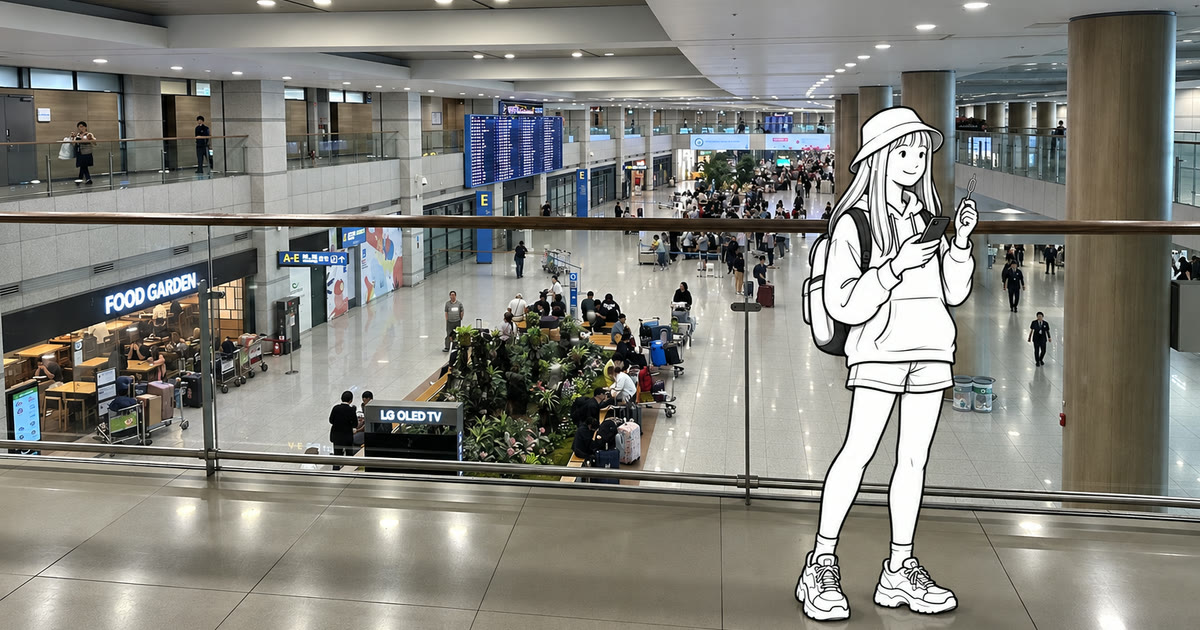
Short answer: eSIM, physical SIM, or roaming?
An eSIM is often a convenient option if your phone supports it. Choose a physical SIM if you are unsure about compatibility or want someone to help with setup. Choose international roaming if you need to keep receiving calls and texts on your usual number.
The biggest mistake is buying before checking your phone. An eSIM will not work on a carrier-locked device. A physical SIM can be inconvenient if removing your home SIM stops the verification texts you need. Roaming is convenient, but unexpected daily charges or data caps can make it expensive.
A tourist Korean number does not provide the personal authentication used by Korean banks and government services. Ordinary calls, texts and reservation verification depend on the exact product and any required passport or entry check.
Who this guide is for
This guide is for short-term visitors who need maps, translation, hotel messages, ticket confirmations, and taxi access as soon as they land. Long-term residents who need a contract plan, a number linked to a Korean residence card, or resident identity verification need a different setup.
Compare the three choices
Option | Best for | What you gain | Main drawback |
|---|---|---|---|
Korea eSIM | Unlocked eSIM-compatible phone | Buy before flying; no card swap | Strict compatibility, deletion, and refund rules |
Physical tourist SIM | Staff help or phones without eSIM | Counter setup and connection test | Queue, passport check, possible home-SIM removal |
International roaming | Keeping your usual number active | Your usual number works when you land | Prices, data caps, and reduced speeds depend on your carrier |
Three official Korea eSIMs to compare
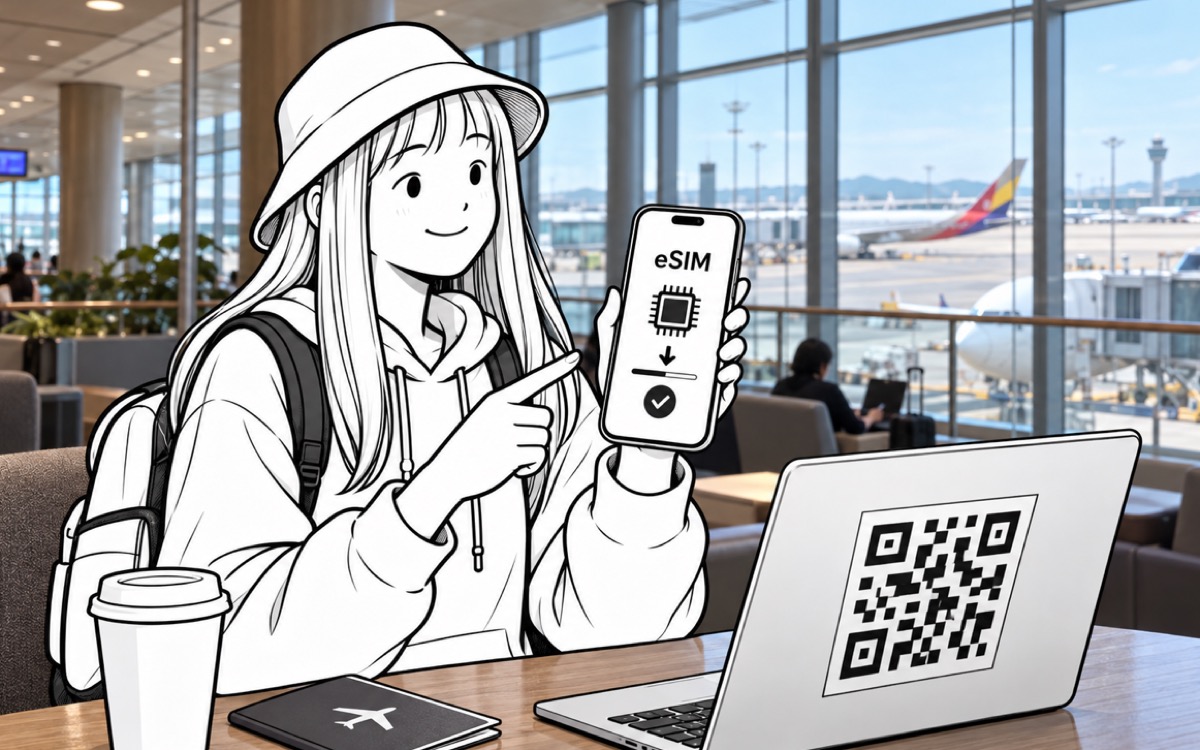
Compare the exact plan, not just the network name. The options below are sold directly by the carriers for visitors to Korea. Prices and terms were checked on 1 October 2026. These are published prices in Korean won, not guaranteed checkout quotes.
LG U+ Data eSIM: consider it when hotspot matters
Duration and price: choose your number of days and LTE or 5G in the official selector, then check the final total. We are not quoting a fixed price across both speed options.
Data and hotspot: LG U+ advertises uncapped data, with possible management during heavy congestion. Its FAQ explicitly allows tethering.
Korean number: the FAQ lists incoming calls/texts, but Data cannot make outgoing calls, send texts, or add voice credit. LG U+ says SMS verification is unavailable on Data-only service; choose a suitable voice/SMS product if this matters.
Activation: first data use starts the period; activate within 60 days of purchase.
Refund and device checks: no cancellation/refund after payment, and no replacement for a deleted installed profile. Check the carrier's exact-device restrictions: its compatibility section excludes Google Pixel, Motorola and OPPO, even if the phone has eSIM hardware.
Check LG U+ Data eSIM options and terms
SK Telecom LTE eSIM (Data, Call, SMS): consider it for calls with a top-up
Published prices: 5 days ₩27,500; 7 days ₩35,000; 10 days ₩38,500. Outgoing call/text credit costs extra.
Data: unlimited LTE, with a maximum stated speed of 100 Mbps.
Hotspot: an allowance is not stated on the official product page checked. Confirm it with SK Telecom before buying for laptop use.
Korean calls/texts: incoming service is free after passport verification; outgoing service needs credit. Personal authentication and payment-verification texts are unavailable. This visitor product excludes Korean passport holders; dual-national restrictions also apply.
Activation: SK Telecom says scanning the QR code starts the period, measured in 24-hour blocks. The QR code must be scanned within 180 days of purchase.
Refund: the page generally bars refunds after scanning, while also listing a same-day, completely-unused cancellation rule and an incompatibility exception. Voice/text top-ups are non-refundable; refunds are unavailable more than 30 days after payment. Ask SK Telecom which condition applies before buying.
The base-price table does not separately identify its tax treatment. Check the final total before payment. Check SK Telecom's LTE eSIM prices and terms
KT Data eSIM: consider it for a clearly stated daily high-speed allowance
Published prices: 5 days ₩27,500; 7 days ₩35,000; 10 days ₩38,500, including VAT. These are the Data prices, not the separate Data & Voice or Data & Travel packages.
Data: 11GB of high-speed data per day, then unlimited use at up to 5 Mbps. The daily allowance renews at midnight.
Hotspot: an allowance is not specified in the official page or user guide checked. Confirm with KT if tethering is essential.
Korean number: a 010 number is included. Incoming calls/SMS require an entry check; the product page directs visitors to the airport KT roaming center. Data-only cannot add outgoing voice service. Tourist eSIMs do not support personal authentication.
Refund: KT's product page says purchases cannot be cancelled or refunded after payment. Installation is one-time; a deleted profile is not reissued.
Check installation timing carefully: KT's July 2026 user guide says validity starts at installation, in 24-hour blocks, and the eSIM must be installed within 30 days of purchase. The product page also has a conflicting 90-day installation heading. Confirm the deadline with KT and do not assume installing several days before departure is harmless.
Check KT Data eSIM prices and terms · Read KT's official SIM/eSIM user guide (PDF)
What to check before you pay
Your exact device: confirm both carrier-unlocked status and support for this carrier's tourist eSIM. An EID or an Add eSIM menu is only the first check.
Your full trip length: include the time from arrival through departure. A five-day plan measured in hours may expire before the end of your fifth sightseeing day.
The start trigger: distinguish purchase, QR installation, and first use in Korea. Save the QR code and instructions before flying, but install only at the time the provider recommends for your plan.
Calls and verification: decide whether you only need app data, incoming Korean calls, or outgoing calls/texts. A tourist number does not guarantee that an app's verification process will work.
Hotspot and refunds: get a written answer if a hotspot allowance is missing, and finish compatibility checks before making a non-refundable purchase.
Once connected, select the Korean line for mobile data and review your home line's roaming settings. Keeping your home line enabled for calls or texts can still incur charges under your home carrier's rules.
For the rest of your arrival setup, see where to buy a SIM, transport card and cash at Incheon and Korea travel apps to install before landing.
Choose a physical SIM when you want help
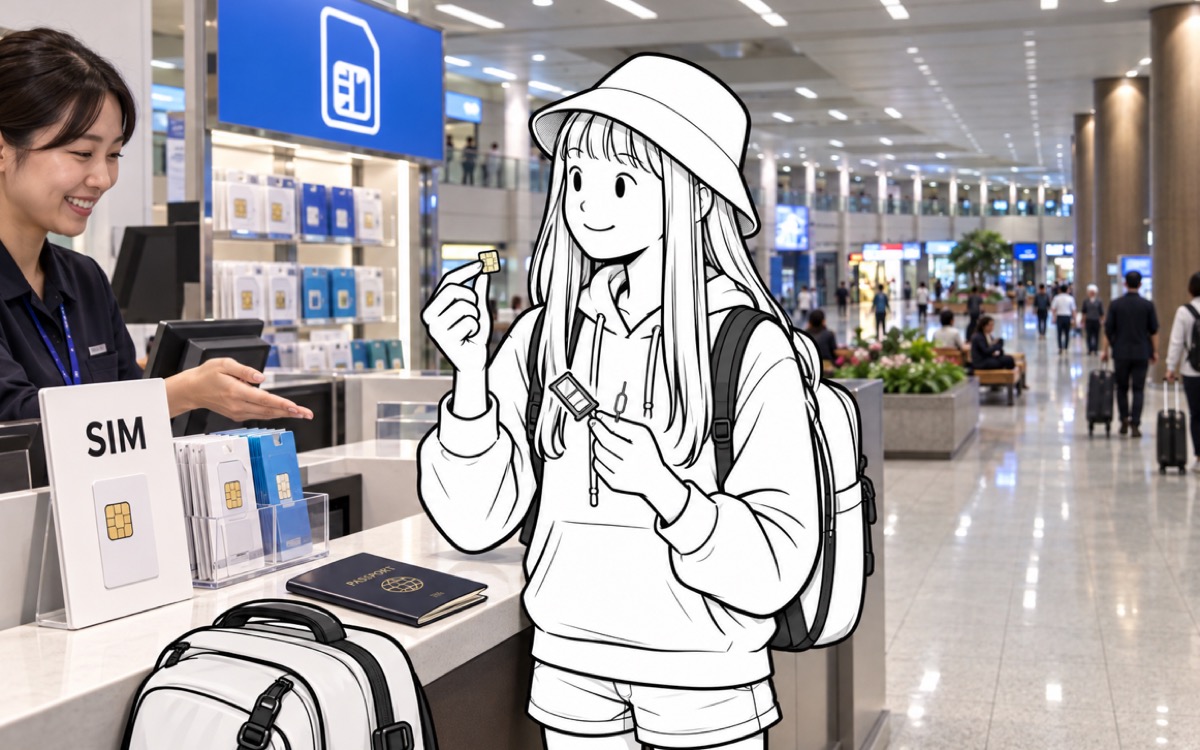
Choose a physical tourist SIM if you are unsure whether your exact phone model supports eSIM or want staff to test the connection before you leave the airport. Take a screenshot of the provider name, terminal, counter location, opening hours, and pickup voucher because those details are hard to recover without internet access.
The trade-off is that setup takes longer and may interrupt access to your home number. You may have to wait in line, show your passport, and remove your home SIM unless your phone supports dual SIM. Before leaving the counter, confirm that mobile data works, tethering is allowed if you need it, and you know whether the plan is data-only or includes calls and texts.
A tourist number can be useful for restaurant or taxi reservation messages if the plan includes calls and texts. It still will not work for banking or government identity checks.
Use roaming if you need to keep your usual number
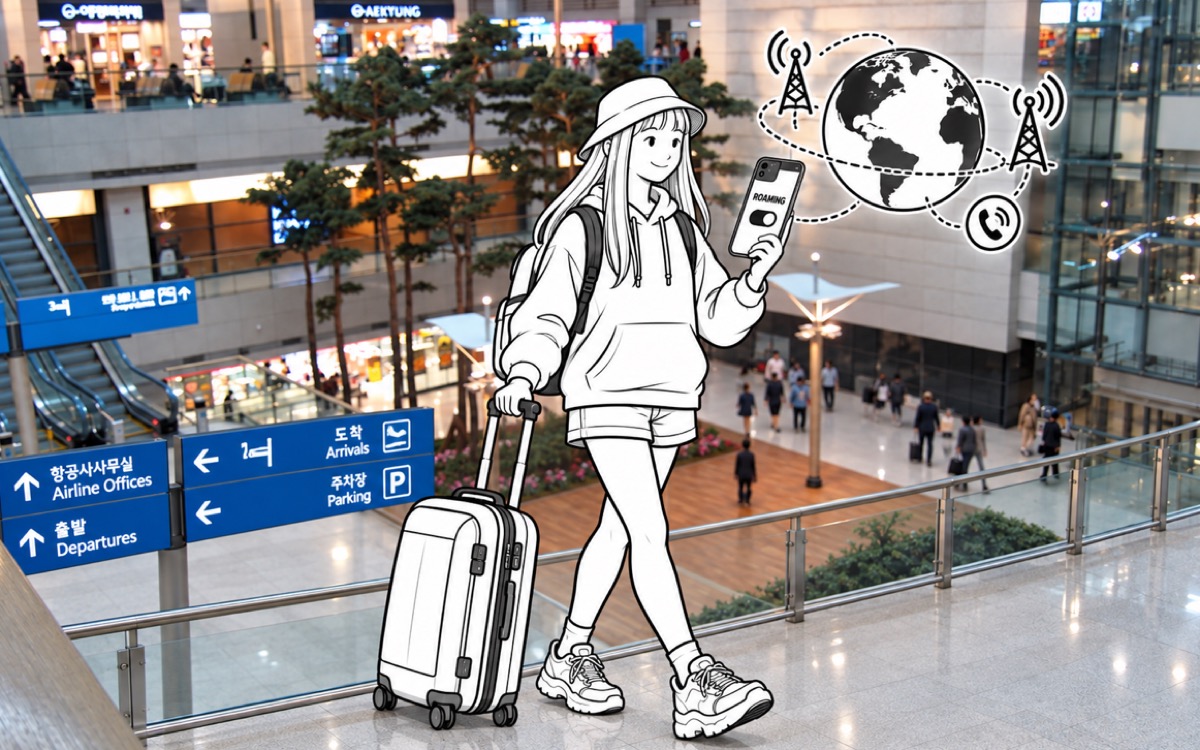
Roaming requires the least setup and keeps your usual number active. It can make sense for a short business trip, a locked phone, or when you first land and your Korean SIM is not working yet.
Before departure, check your carrier's official page for coverage in South Korea, daily charges, high-speed data limits, reduced speeds after the limit, tethering, call rates, and charges for incoming texts. If roaming is only a backup, turn off data roaming on your home SIM once the Korean line works. On a dual-SIM phone, name both lines in the settings and make sure mobile data is assigned to the right one.
Incheon Airport counter hours for a late arrival
Incheon Airport currently lists KT, LG U+, and SK Telecom roaming centers as open 24 hours near Arrival Hall F on the west side of Terminal 1's first floor. The same three carriers also have counters near Arrival Hall A on the east side, listed from 06:00 to 22:00. Departure-floor counters have different hours.
Check the airport's live facility page shortly before your trip because locations and hours can change. If you arrive at Terminal 2, check that terminal separately rather than assuming the Terminal 1 information also applies.
Common mistakes when setting up Korea mobile data
Buying an eSIM before checking whether your phone is unlocked: eSIM support does not mean the phone is carrier-unlocked.
Deleting the eSIM profile: some tourist eSIMs cannot be reissued after installation.
Expecting full identity verification: a tourist number may handle reservation texts but not banking or government verification.
Losing the home number: removing the physical home SIM can interrupt bank, airline, email, and hotel verification messages.
Leaving mobile data enabled on your home SIM: a dual-SIM phone can use expensive roaming data if you do not choose the data line yourself.
Which setup fits your trip?
Three to seven days, unlocked phone that supports eSIM: compare a plan covering your full stay, check when validity starts, and review the cost of keeping your home SIM available for texts.
Unsure about compatibility: buy a physical SIM at the airport and have staff test it.
Locked phone: arrange roaming or pocket Wi-Fi before departure.
Work or banking depends on your usual number: check whether your home carrier allows the calls or verification texts you need, and what it charges; on a supported dual-SIM phone, use the Korean line for data.
Late Terminal 1 arrival: use the 24-hour west-side Arrival Hall F counters or arrive with an eSIM already prepared.
Related guides
Sources
Incheon International Airport: Terminal 1 roaming-center locations and operating hours
SK Telecom LTE eSIM: prices, validity, calls/SMS and refund terms
KT Data eSIM: VAT-inclusive prices, data allowance, entry check and refund terms
eSIM product comparison and Terminal 1 counter hours checked 2026-10-01. Prices and terms may change; confirm the selected plan before payment. KT sources currently conflict on the installation deadline, as explained above. General arrival guidance was reviewed 2026-09-21.
Photographs: Incheon International Airport Terminal 1 Arrival 2 and 3 by ノボホショコロトソ (CC BY 4.0); Incheon airport arrival lobby overview and airport floors by Kanchi1979 (CC BY 2.5), via Wikimedia Commons. Illustrated figure added by Korea Travel 101.


